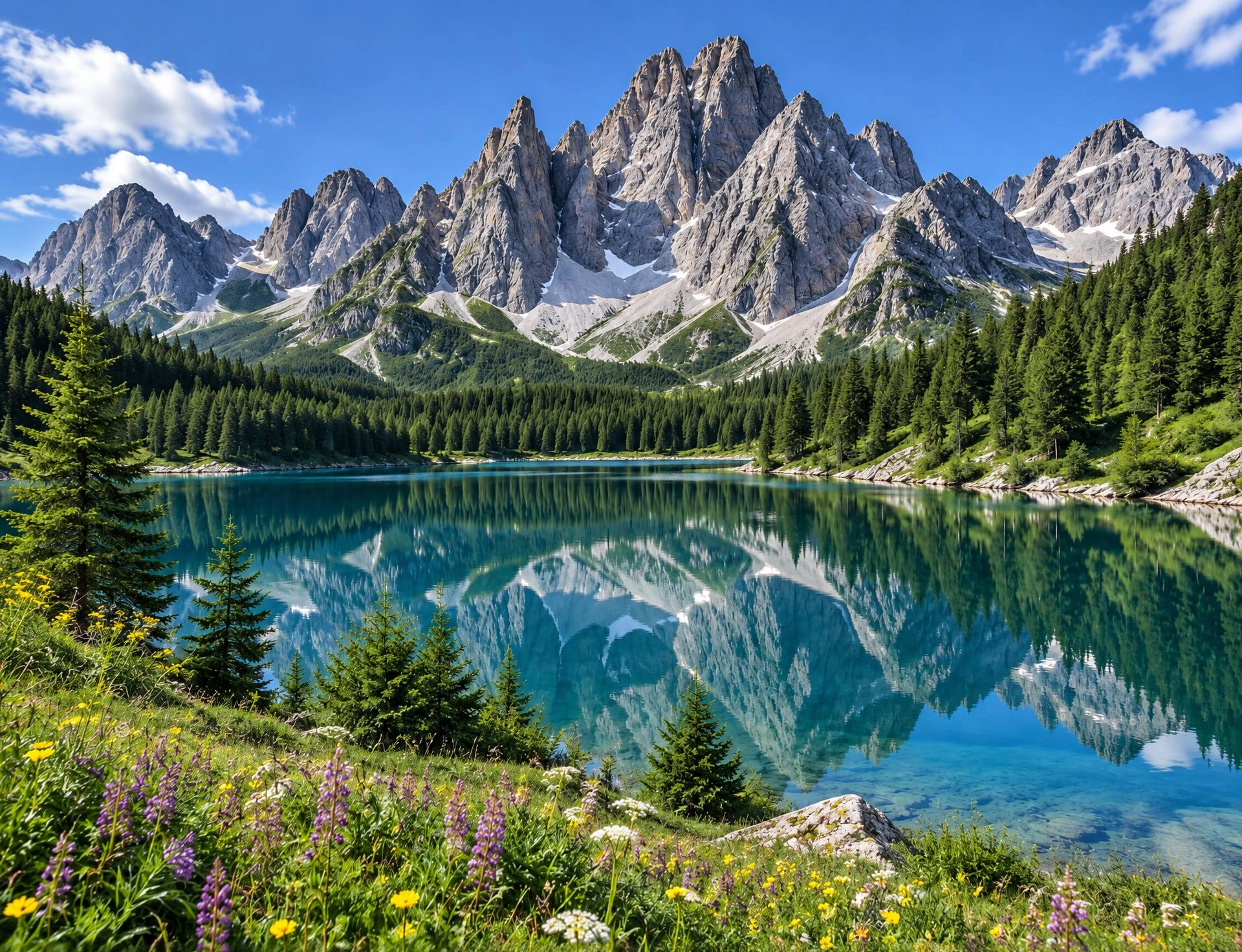
A photo with a triangle outline
A triangle crop turns a photograph into a three-sided frame with a high top point and broad lower edge. It keeps the pixels inside that outline and makes the surrounding area transparent. This is useful for bold corner accents, outdoor scenes, and geometric photo layouts. Start with a photo that has a clear focal point and some spare background, rather than one already cropped tightly to its subject. The outline is a mask over your picture: it does not bend the scene, invent missing detail, or change the original file on your device.
Framing a photo inside a triangle
Place the important detail in the broad lower half. The narrow tip suits sky, a roof, or another simple background rather than a face.
Look at the subject before judging the outline. If a face, pet, or product becomes hard to recognize, move the photo toward the widest usable part of the triangle and reduce the zoom. A clean silhouette is only helpful when the image inside it still communicates what you intended. Check small details such as ears, fingertips, and the edge of an object after each adjustment.
The two sloping sides remove upper corners quickly. Leave room around hair, building edges, and anything leaning toward the sides.
How to crop an image into a triangle
The triangle preset is selected when this page opens. You can replace the demo with your own image without choosing the shape again. Use a photo file your browser can display, such as a JPEG, PNG, or WebP. If an unusual format will not open, save a compatible copy first rather than changing the file extension.
- Click the image drop area and choose a photo from your device, or drag a photo file into that area.
- Drag the photo within the preview to position the subject inside the triangle. Inspect the boundary rather than only the center.
- Use the minus and plus Zoom buttons to change the framing. On wider screens, the slider gives another way to adjust magnification.
- Try the checkerboard, white, or dark preview background to see whether the edges and transparent areas look right.
- Choose Crop & Download to save the PNG. Open the saved image and check it on the background where you plan to use it.
Image size, sharpness, and transparent edges
There is no required pixel size for a triangle photo. Choose a detailed original for large placements. A tiny source becomes soft when enlarged; zooming cannot restore missing detail.
The editor uses a rectangular canvas even though the visible photo has a triangle outline. Transparent space around that outline is expected, not an extra white border. PNG preserves this transparency. If you later convert the image to JPEG, the transparent area must become a solid background. Keep the PNG when you want the surrounding page or slide color to show through.
Where a triangle crop works best
Try this frame for bold corner accents, outdoor scenes, and geometric photo layouts. One clear subject usually reads better than a crowded scene. In a collection, separate the crops enough that each silhouette stays distinct.
Compare this preset with a diamond, whose widest area lies in the middle rather than at the base. The difference is not just decorative: each outline keeps different parts of the original scene. Try both using the same photo before committing to a collection. For text-heavy photographs, a plain square or rectangle often preserves more information than a strongly tapered or notched frame.
Common problems and practical fixes
If part of the subject disappears, revisit this framing advice: Place the important detail in the broad lower half. The narrow tip suits sky, a roof, or another simple background rather than a face. Move the photo first, then adjust zoom in small increments. If the result still feels cramped, choose a source with more surrounding space. The cropper cannot reveal areas that were outside the original photograph.
A white box in another app may mean it flattens transparency. Test the PNG over a colored background. Inspect soft boundaries at the intended display size, not at extreme magnification.
Frequently asked questions
What does the triangle image cropper keep?
It keeps the photo inside a three-sided frame with a high top point and broad lower edge. Pixels outside that mask become transparent in the downloaded PNG. Your original photo stays unchanged.
Where should I place the subject in a triangle?
Place the important detail in the broad lower half. The narrow tip suits sky, a roof, or another simple background rather than a face.
What is the main framing problem with this shape?
The two sloping sides remove upper corners quickly. Leave room around hair, building edges, and anything leaning toward the sides.
How does this differ from another crop shape?
Compare it with a diamond, whose widest area lies in the middle rather than at the base. Check which outline preserves your subject rather than choosing only by the silhouette.
Does cropping into a triangle upload my photo?
No. Your selected photo is read and processed in this browser. The crop does not require a photo upload to a server, an account, or a payment.